Over the past two years, AI manga dramas (AI Anime Shorts) have exploded across platforms like TikTok, YouTube Shorts, Instagram Reels, and Douyin. Doomsday survival storylines (such as global freeze, bunker upgrades, and supplies hoarding) are especially popular, regularly pulling in millions of views due to their high-conflict setups.
For solo creators, how do you quickly build a channel and secure platform traffic? In this guide, we'll use the popular drama "Doomsday Survival: Hoarding Billions of Supplies" to show you how to leverage AnimeArc's Homepage features to create stunning, viral 9:16 video clips.
The Traffic Code for Viral AI Manga Shorts
In short-form video, success is determined by the Golden 3-Second Rule. The first three seconds must present an intense visual hook or scenario. A prompt like "Global freezing starts in 10 minutes, but I have infinite storage space" immediately captures audience interest. Combining this with dynamic camera panning increases watch time and conversion.
Step 1: Design a Highly Engaging Protagonist Profile
First, create a cold yet reliable survival outfit for protagonist Lu Fan (@LuFan). In the Character Manager, type the visual description:
A young male survivalist in advanced winter combat armor, futuristic visor, rugged face, standing in a blizzard.
This avatar card binds directly to your storyboard generator, maintaining his facial characteristics across all subsequent frames.
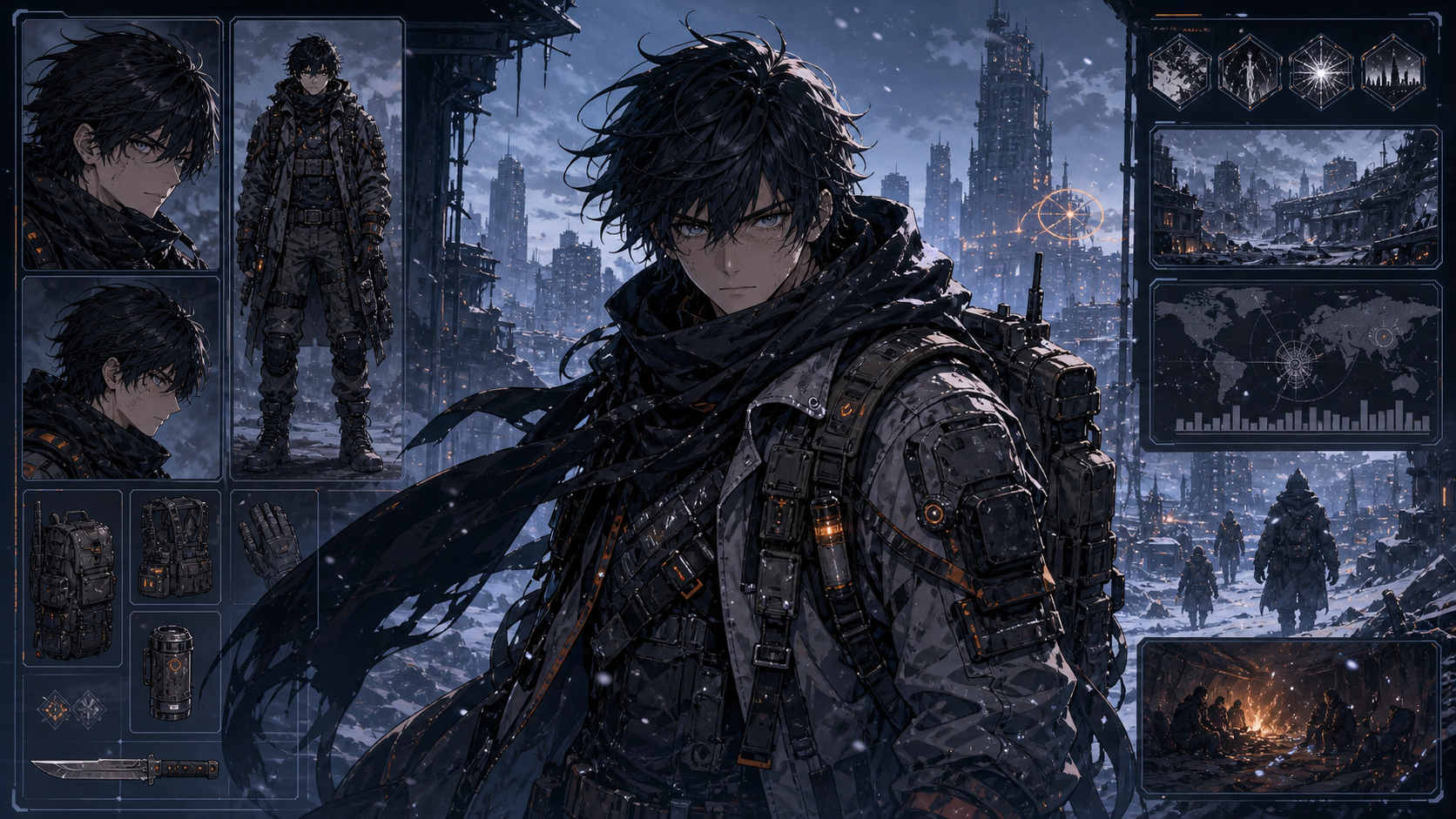 Figure 1: Creating Lu Fan's winter combat armor character profile card in the Character Editor.
Step 2: Write High-Conflict Scripts and Auto-Generate Panels
Short video scripts must be punchy and direct. Enter your script in the editor:
Lu Fan: Global freeze starts in 10 minutes. Collecting all supplies from the warehouse now!System: Storage bunker fully loaded. Shelter defenses upgraded to maximum.
The system splits this script into key storyboard panels, allowing you to generate the images in one click.
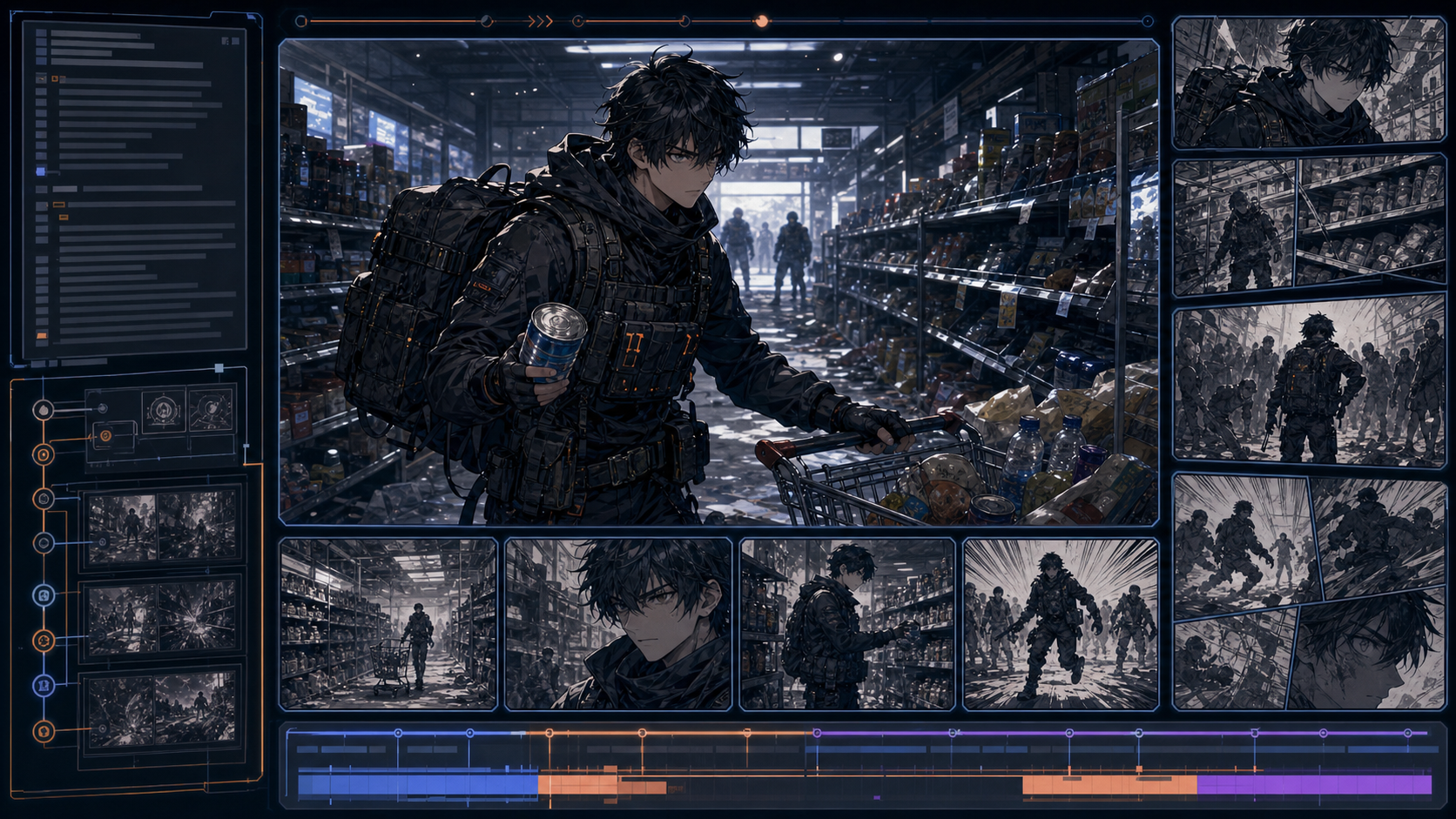 Figure 2: Splitting the doomsday script and rendering the initial storyboard panels in the editor.
Step 3: Add Dynamic Camera Motion to the Storyboard
Static images do not perform well on short video platforms. In step 3, we generate a panel showing Lu Fan fighting mutant snow beasts with his plasma gun.
In the Camera Movement tab of the shot settings, select Zoom In or Pan Left to add smooth motion to the static art, simulating a cinematic camera shot.
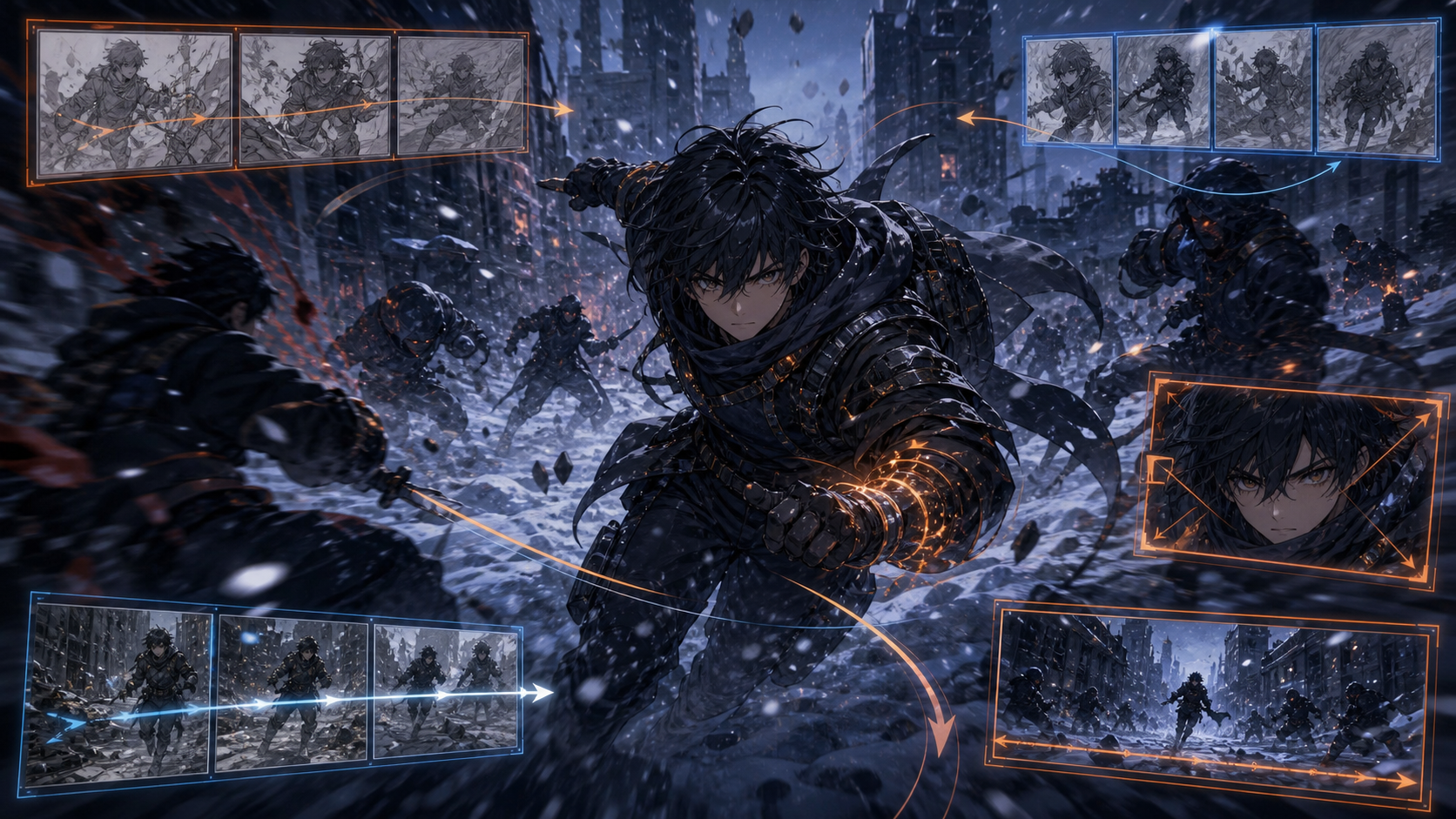 Figure 3: Applying camera movement and shot effects to the combat scene in the timeline editor.
Step 4: Export 9:16 Vertical Format and Distribute
Once all frames on the timeline are rendered and paired with sound effects or voiceovers:
- Set the aspect ratio dropdown under the preview window to 9:16 Vertical (optimized for TikTok, Shorts, and Reels).
- Click Export to render the final high-definition MP4.
Sign In to AnimeArc today to generate vertical manga videos and launch your short-form creator journey!
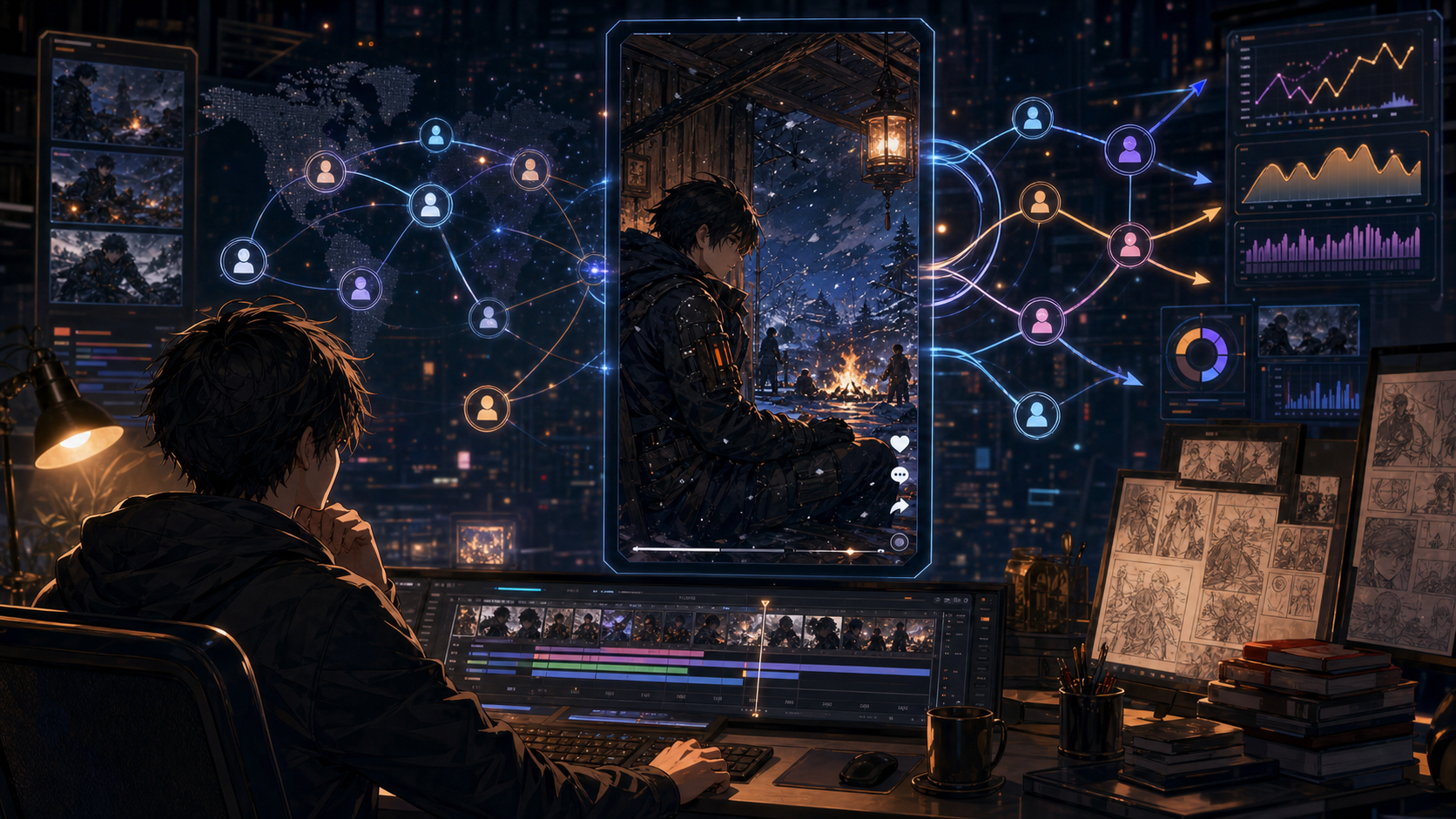 Figure 4: Rendering and exporting the final vertical video clip in the Export panel.
Want to turn your anime story idea into a short drama workflow?
Submit your story idea with AnimeArc.
Submit My Story Idea