In long-running AI manga dramas (AI Anime Dramas), the single biggest challenge for creators is character consistency. If your protagonist's facial features or hairstyle change frequently between different panels or scenes (known as face distortion), it breaks reader immersion and hurts audience retention.
In this guide, we'll use the popular romance revenge drama "Reborn as the Villainess" to explain how to leverage AnimeArc's Homepage features and seed-locking technologies to keep your characters perfectly consistent.
What is AI Character Consistency Control?
In standard AI generation, every output contains random changes. AnimeArc's Character Manager solves this by translating your character's visual traits (hairstyle, eye color, clothing style) into a fixed Character Card and applying strict layout guides to the rendering engine, ensuring the character remains recognizable in every panel.
Step 1: Create a Dedicated Character Card
First, create a character profile card for the female protagonist of "Reborn as the Villainess"—the cold and beautiful noble lady @Isabella. Enter her core visual attributes in the description box:
An elegant noble lady with long silver hair, red eyes, wearing a gothic dark dress, sharp facial features.
The system automatically generates a set of reference headshots to define her facial structure.
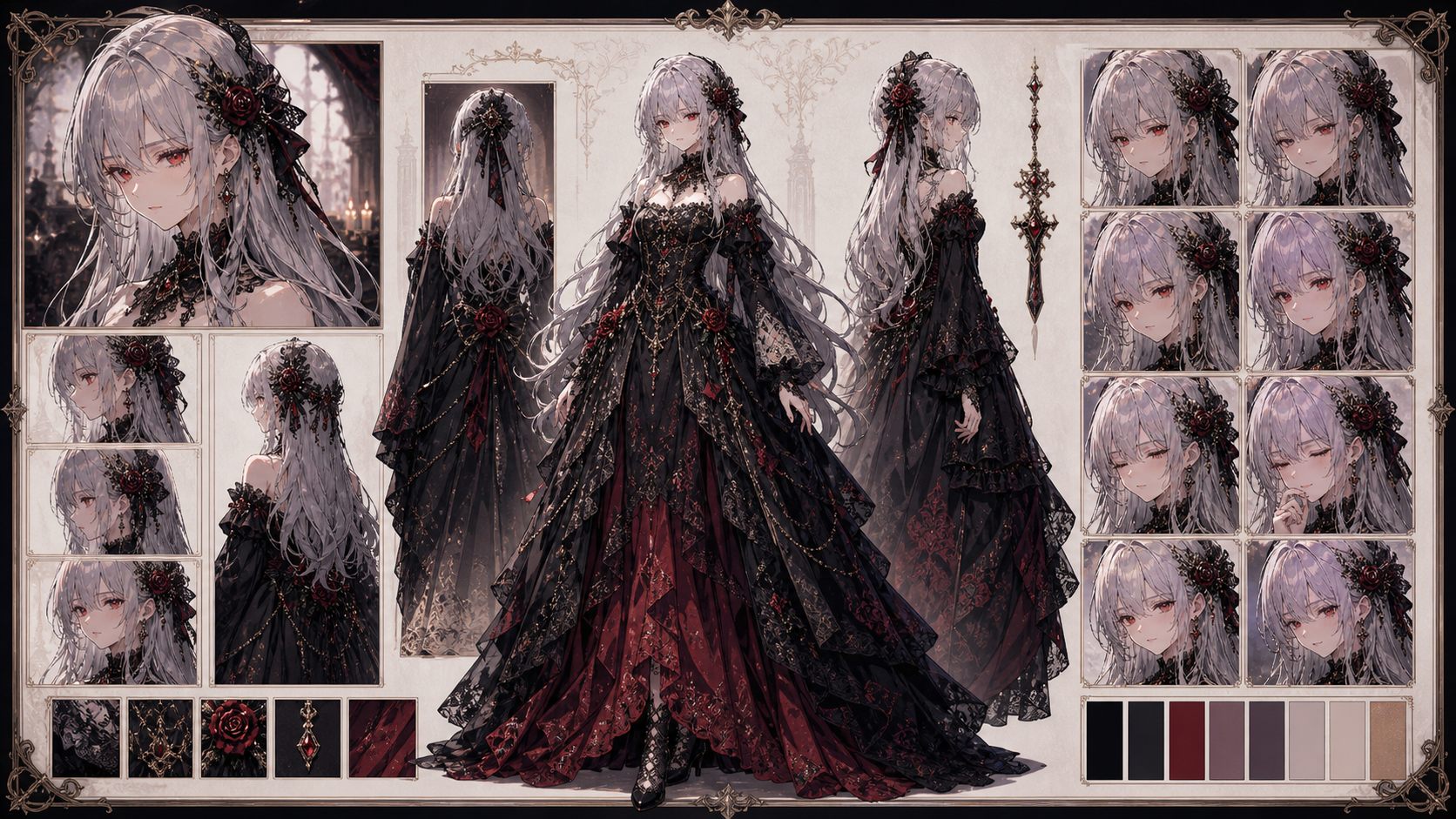 Figure 1: Creating Isabella's silver-haired noble character profile card in the Character Editor.
Step 2: Generate Diverse Action & Emotional Scenes
Once the character card is linked, start generating storyboard panels. Even when the character goes through intense movement or emotional expressions, the consistency engine keeps her features stable.
For example, render the classic confrontation scene where Isabella spills a red wine glass onto her step-sister's dress:
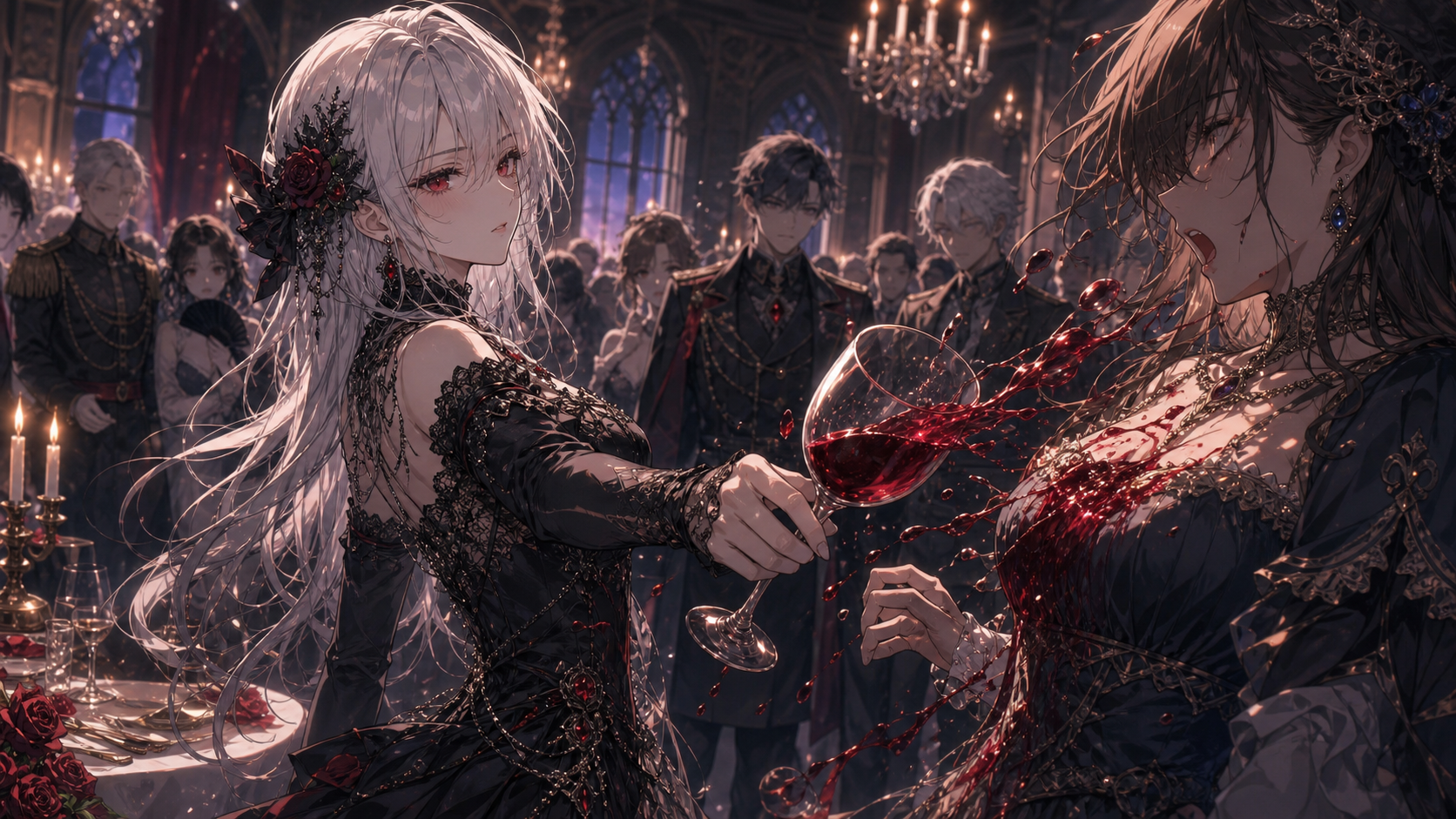 Figure 2: Rendering the red wine spill scene in the storyboard panel editor.
Step 3: Enable Seed Locking to Lock Facial Features
To guarantee that your characters look identical across multiple episodes, you must enable Seed Locking within the Character Card panel:
- Navigate to the character settings popup.
- Toggle the Lock Seed switch to ON.
- This locks the generation seed, minimizing facial deviations even in extreme backlighting or high-contrast shadows.
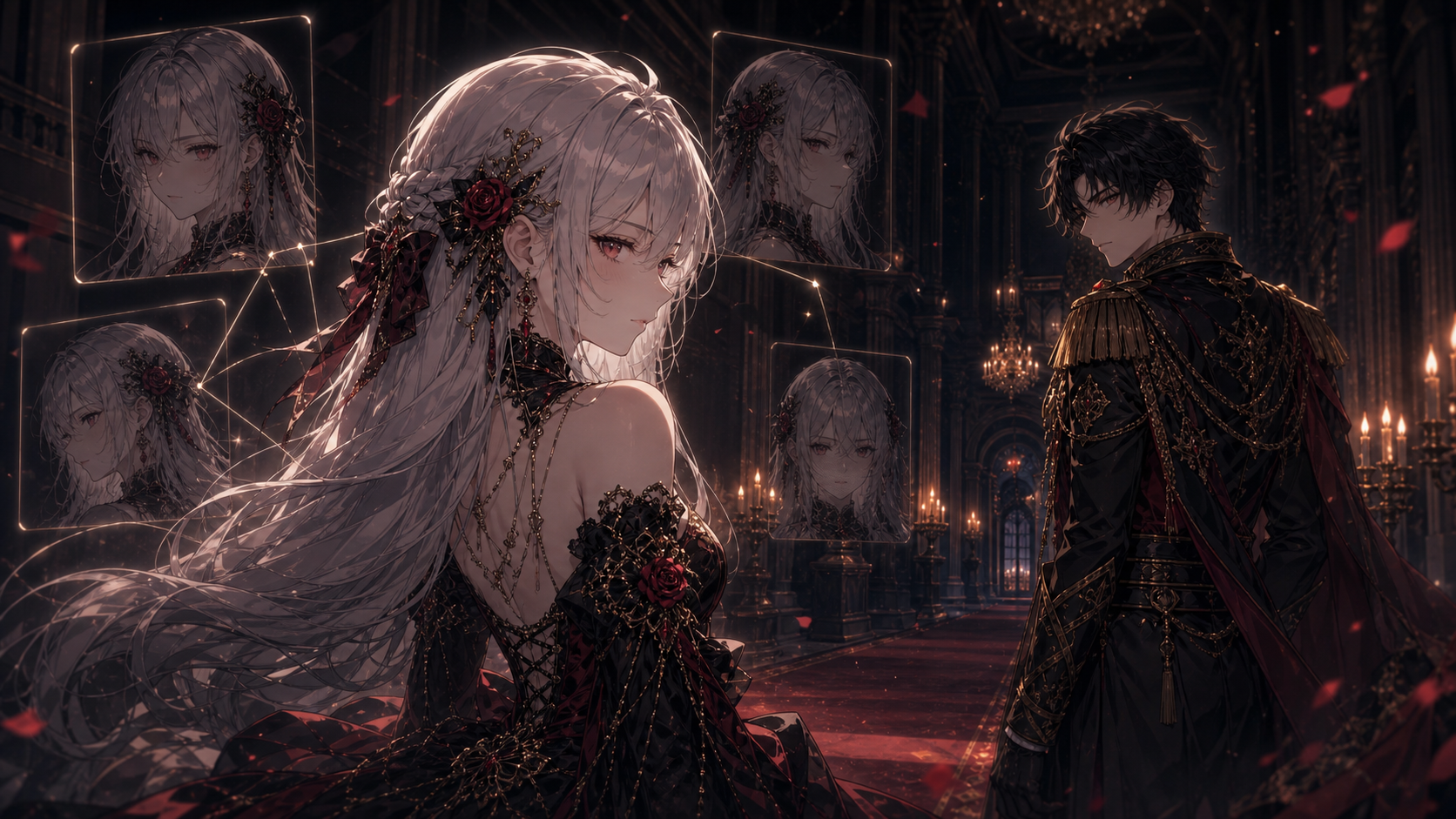 Figure 3: Toggling Seed Locking to maintain Isabella's facial consistency during the standoff scene.
Step 4: Generate the Grand Finale and Export
Finally, once all storyboard panels are rendered, preview your full sequence on the timeline. Render a high-quality climax scene showing Isabella standing in the center of the grand royal ballroom as everyone bows to her.
Using consistency controls saves you 90% of manual editing time. Sign In to AnimeArc today to experience advanced seed-locking technology and start your own long-running manga series!
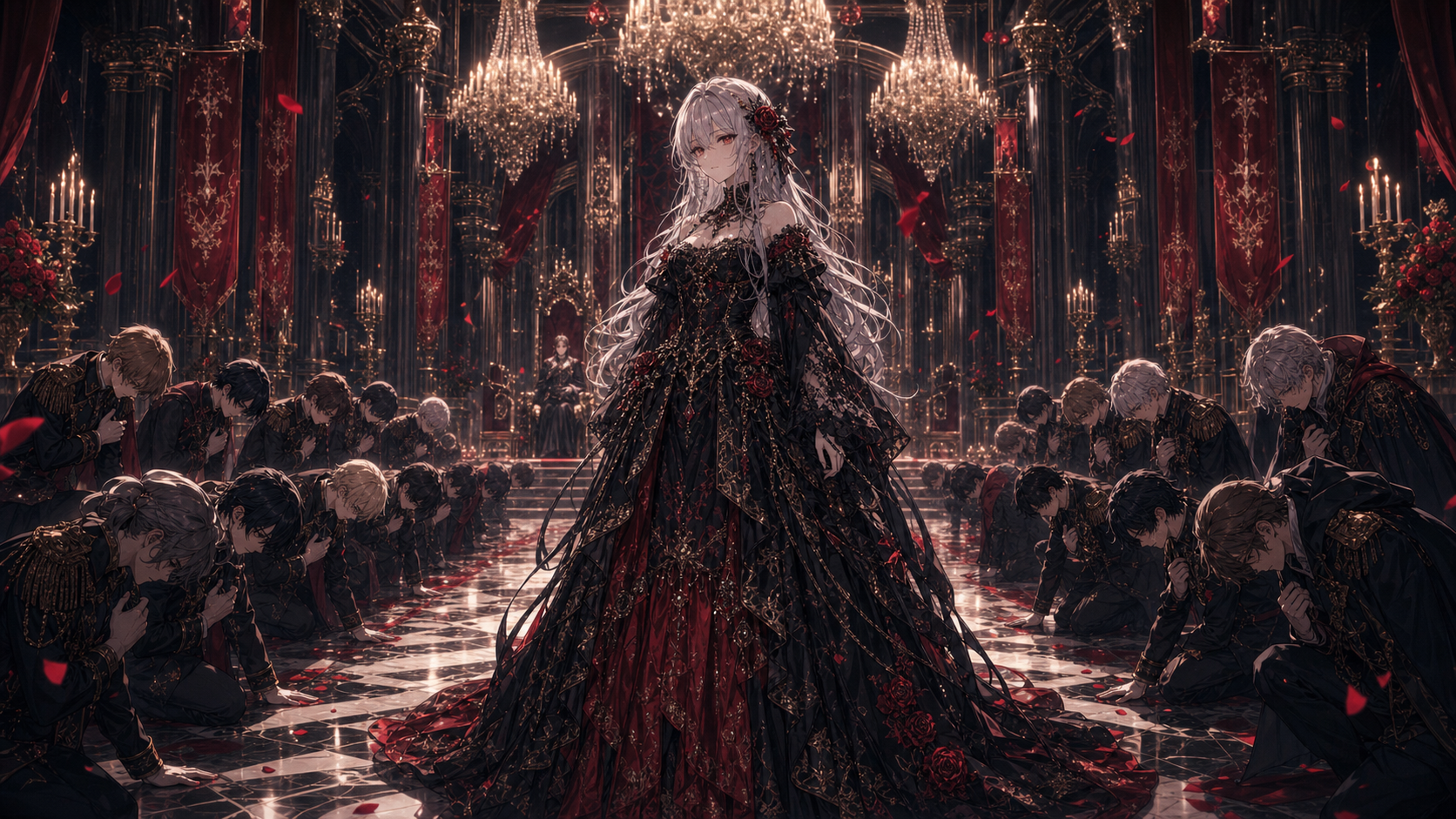 Figure 4: Reviewing and compiling the ballroom climax scene on the project timeline.
Want to turn your anime story idea into a short drama workflow?
Submit your story idea with AnimeArc.
Submit My Story Idea