An AI anime storyboard generator helps creators turn script text blocks into sequential keyframes, map camera movements, and generate ready-to-render video prompts. In this guide, you’ll learn why visual storyboarding is crucial for animation pacing, how to format camera and scene prompts, and how to use AnimeArc to automate storyboard production for short-video formats.
In the animation pipeline, the storyboard is the bridge between written dialogue and dynamic video. Without a structured storyboard layout, rendering individual scenes leads to inconsistent art direction, disjointed camera transitions, and wasted computational credits. By leveraging an AI Anime Storyboard Generator to organize your sequential panels, you can preview the timing, composition, and flow of your story before committing to final animation rendering.
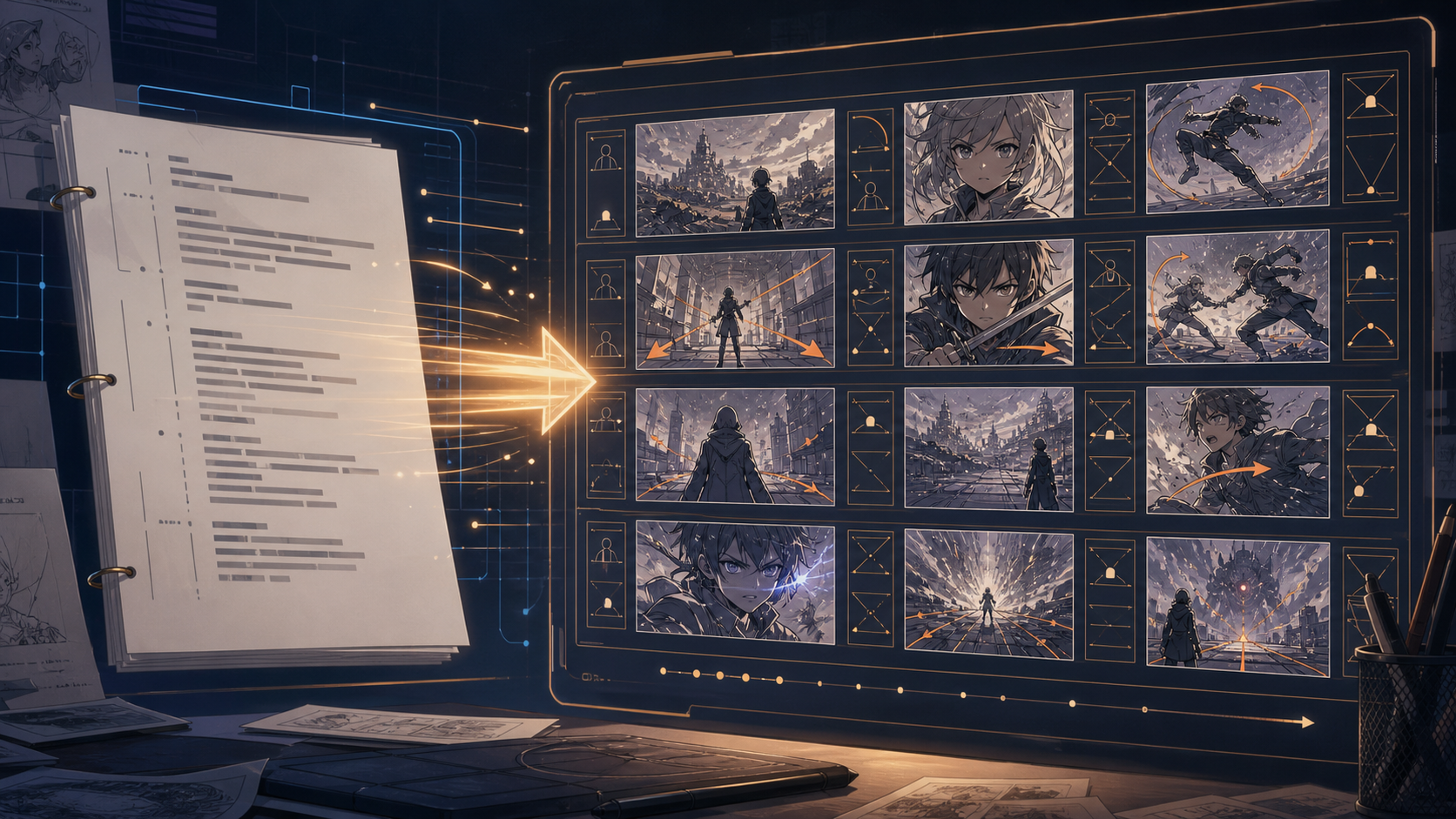 Figure 1: A storyboard generator turns script descriptions into sequential visual cells with character placement, camera direction, and scene composition.
What Is an AI Anime Storyboard Generator?
An AI Anime Storyboard Generator is a visual planning tool that converts screenplay descriptions into sequential grid panels (or "storyboard cells"). Unlike general art generators that create isolated illustrations, a storyboard engine is designed around sequence continuity, pacing, and visual storytelling cues:
- Sequence Layouts: Organizing panels in chronological order (e.g. Panel 1, Panel 2, Panel 3) matching the script's scenes.
- Camera Tracking: Automatically interpreting directions like close-ups, panning, wide angles, and zoom-ins.
- Composition Cues: Placing character models, lighting sources, and background assets based on action prompts.
- AI Video Prompts: Creating specific, pre-formatted prompts that can be passed directly to diffusion and video generation models.
This tool acts as a digital storyboard template, converting your text scripts into visual guides that keep your animations cohesive.
Why Storyboards Matter for Anime Videos
In short-form animation (e.g. 9:16 vertical videos), pacing determines whether a viewer swipes away or stays for the whole clip. Storyboarding solves three major problems:
- Pacing & Timing: It helps you plan exactly when the hook, the climax, and the cliffhanger take place. If a scene drags on for too long, you can easily trim it.
- Visual Direction: It defines the composition of each shot. By locking in camera angles (such as low angles to show power, or extreme close-ups to show fear), the emotional weight of your script is visually amplified.
- Credit Optimization: Rather than rendering full video files directly, you can quickly sketch and preview your storyboard frames. This allows you to verify character consistency and composition before spending rendering tokens.
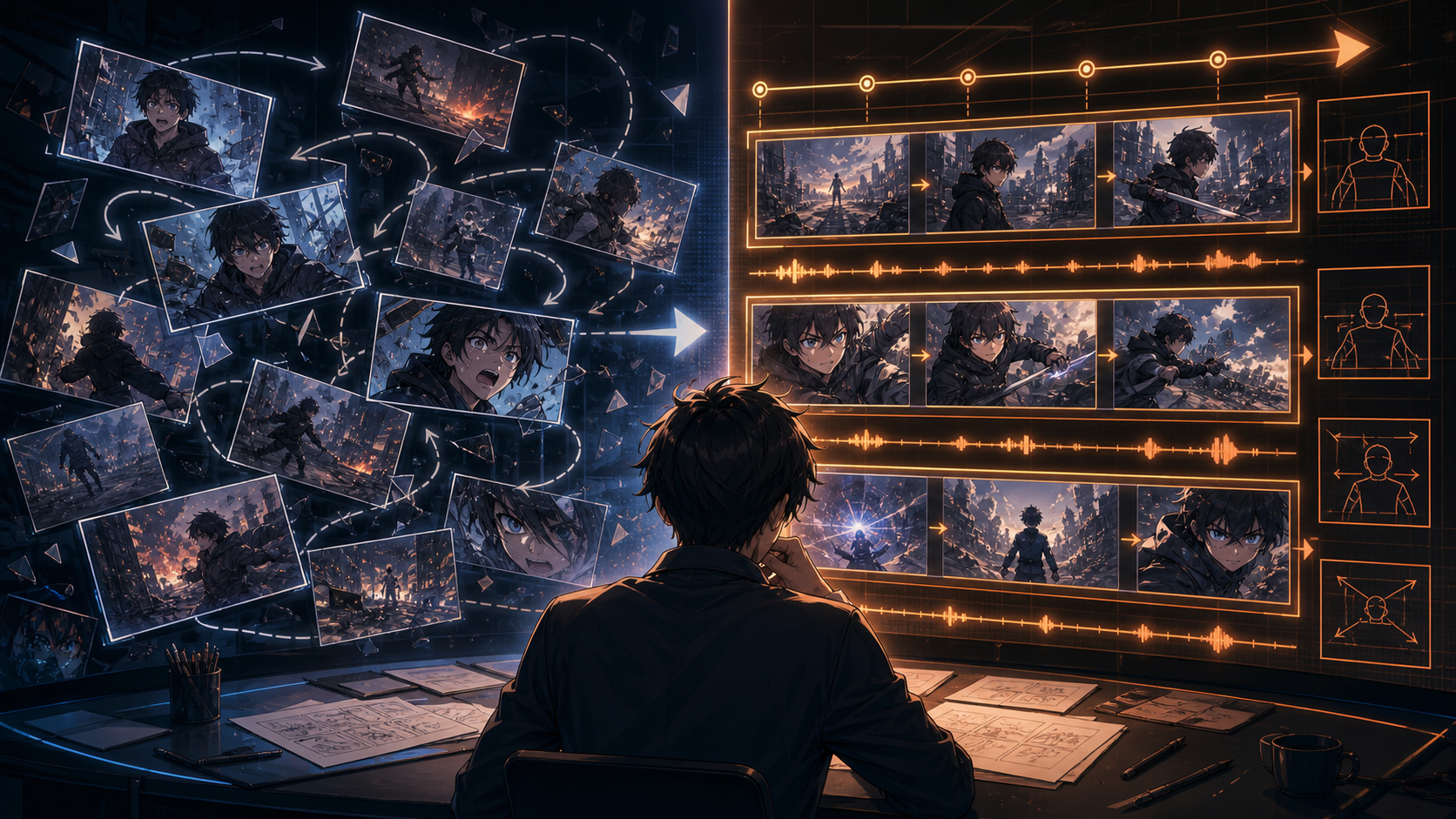 Figure 2: Organized storyboards help creators control pacing, shot order, visual direction, and rendering spend before generating final animation.
Anime Storyboard Example
Here is an example of a visual storyboard sequence generated for a combat climax scene using our editor.
- Sequence Title: Clash Among the Ruins
- Cast: Kenji, a young rebel swordsman with messy black hair, wearing a dark jacket and holding a glowing energy sword.
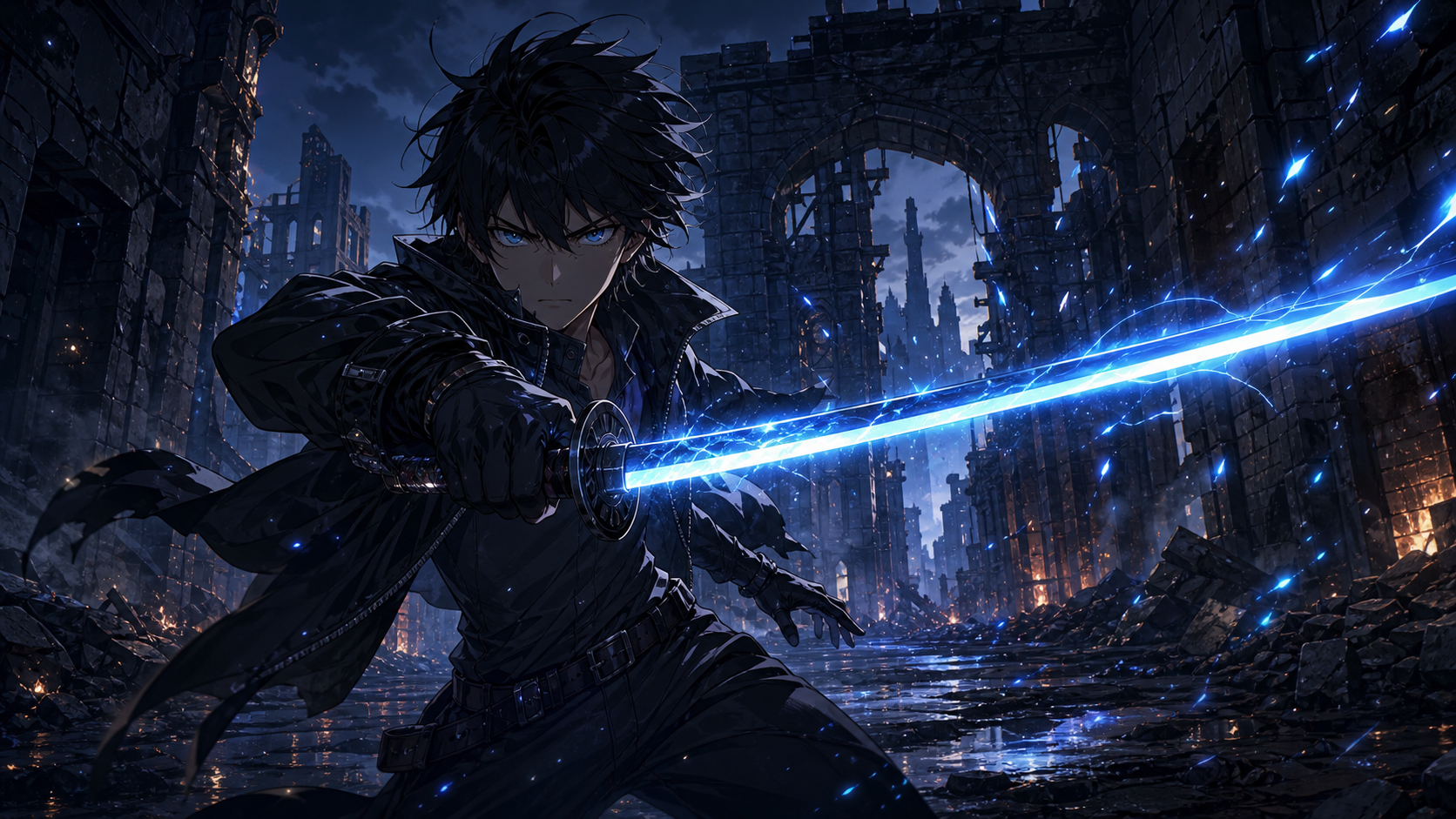 Figure 3: The first storyboard cell establishes Kenji's silhouette, low-angle framing, ruined location, and the blue energy sword as the visual anchor.
Storyboard Grid:
Storyboard Cell 1:
- Scene Number: 01
- Location: Ruinous archway, dark alleyway.
- Characters: Kenji (alone).
- Camera: Low-Angle Medium Shot.
- Action: Kenji draws his glowing energy sword slowly. Sparks crackle along the blade.
- Video Prompt:
> `Low-angle medium shot of Kenji drawing a glowing energy sword in a dark ruined alleyway, sparks crackling along the blue blade, anime style, 4k resolution.`
Storyboard Cell 2:
- Scene Number: 02
- Location: Crumbled stone ruins, night.
- Characters: Kenji (lunging forward).
- Camera: Dynamic Action Tracking Shot.
- Action: Kenji lunges forward across the stone debris, sword extended.
- Video Prompt:
> `Dynamic action tracking shot, Kenji lunging forward across crumbled stone ruins, energy sword trailing blue light, debris flying, anime action sequence.`
Storyboard Cell 3:
- Scene Number: 03
- Location: Shattered courtyard.
- Characters: Kenji (clashing with opponent).
- Camera: Extreme Close-Up.
- Action: Kenji's sword clashes with a dark opponent's blade, a massive burst of blue and white light erupting at the contact point.
- Video Prompt:
> `Extreme close-up, two swords clashing in a shattered courtyard, massive explosion of blue and white sparks, high-energy anime sword fight.`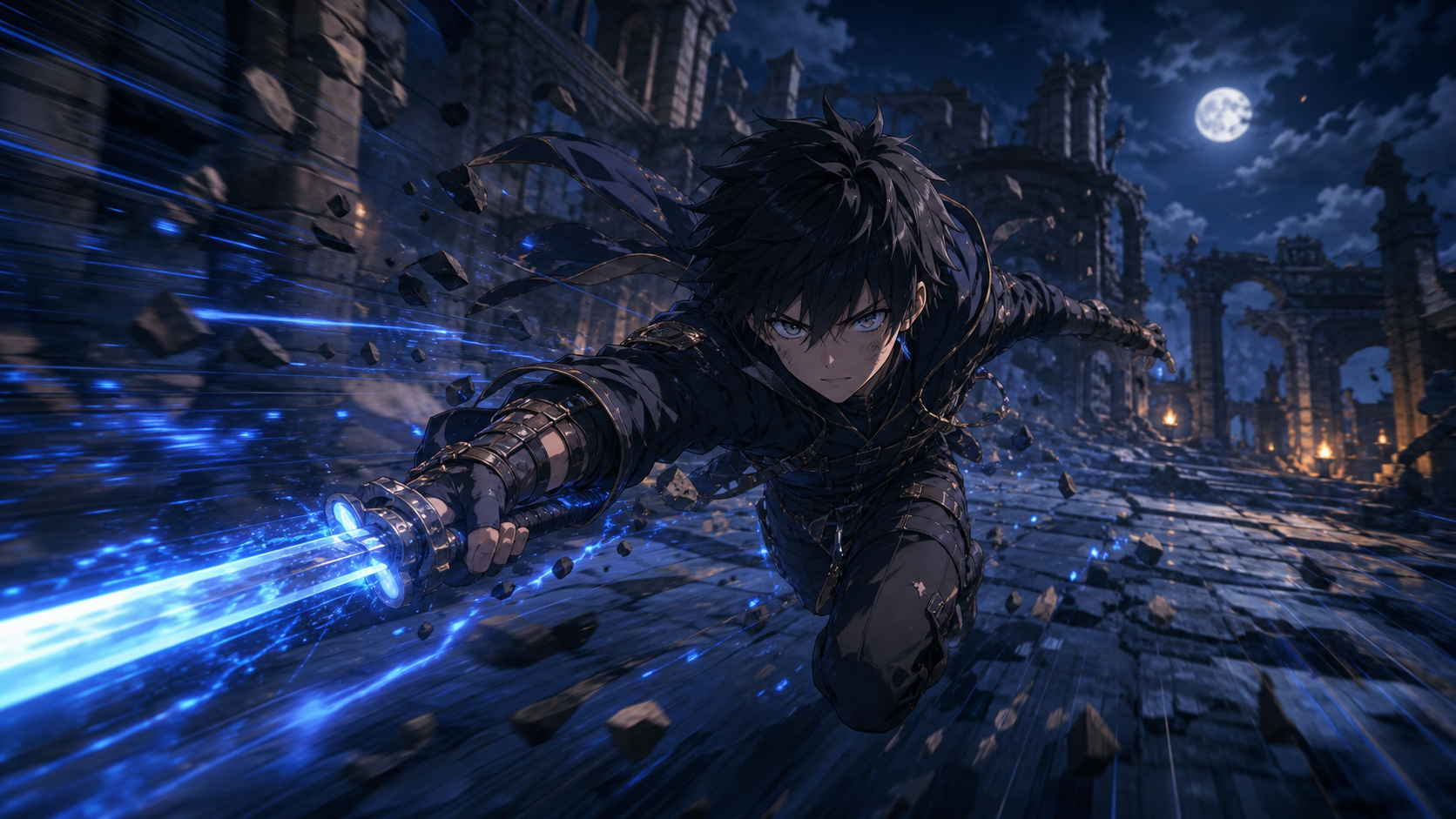 Figure 4: A dynamic tracking shot makes the second cell feel faster by pushing Kenji diagonally through debris, motion blur, and sword-light trails.
How to Turn Scripts into Scenes
Converting your screenplays into storyboard frames follows a simple workflow inside our platform:
- Draft Your Dialogue: Write your episode lines. Ensure every speaker has an assigned character card from the AI Anime Character Generator.
- Break Down Into Shots: Segment the script text. Each action line or major dialogue beat should correspond to one storyboard cell.
- Specify Camera Angles: Add camera directives. Use close-ups for dialogue beats, and wide shots or tracking angles for action sequences.
- Render Storyboard Previews: Generate static storyboard keyframes to verify composition and character clothing consistency.
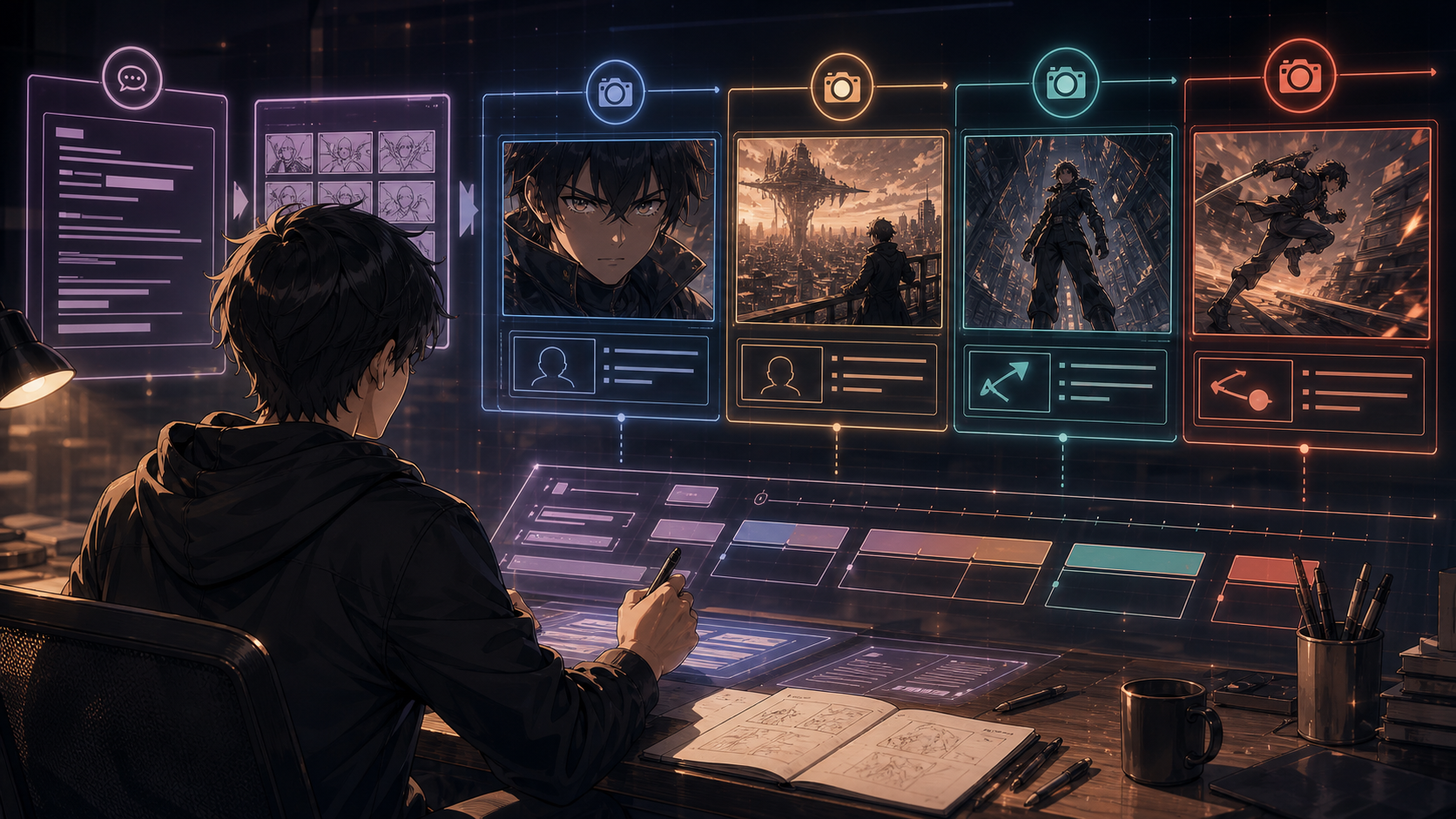 Figure 5: Breaking a script into shot types gives each beat a clear visual purpose before the scene is rendered as images or video.
How AnimeArc Creates Scene Prompts
AnimeArc automates the visual generation process by combining your script data into optimized prompts:
- Character Seeds: The engine pulls the visual features defined in your active character profiles.
- Scene Settings: The engine extracts setting details from your script's scene headers.
- Format Injection: The tool appends specialized art style and camera tags to the final prompt string, preparing it for direct video generation.
Once your storyboard is verified, you can export the full sequence into 9:16 vertical MP4 format with audio sync, ready to upload.
FAQ
What is an AI anime storyboard generator?
An AI anime storyboard generator is a planning tool that translates text scripts into sequential visual frames, automatically formatting camera movements, character positions, and video prompt sheets.
How does the tool handle camera angles?
You can specify camera directives (e.g. close-up, panning, low-angle) in each storyboard cell. The AI interpreter automatically adjusts the image composition to match your camera settings.
Can I share my storyboard with a team?
Yes, you can export your completed storyboard layout as a multi-frame PDF or image sheet, which serves as a clean pre-visualization guide for animators, editors, and directors.
Is the storyboard generator linked to the script editor?
Yes. In AnimeArc, your storyboards are directly linked to the AI Anime Script Generator. Any edit you make to the script setting or action line instantly updates the corresponding storyboard prompt.
Can I try AnimeArc for free?
Yes. You can sign up and start creating storyboards, outlines, and character sheets for your animation projects today.
Want to turn your anime story idea into a short drama workflow?
Submit your story idea with AnimeArc.
Submit My Story Idea