An AI anime script generator helps creators draft dynamic dialogue, outline scene actions, and establish emotional beats. In this guide, you’ll learn the key components of a professional anime script, how to structure a high-retention short drama episode, and how to use AnimeArc to generate consistent scripts in seconds.
Whether you are writing a sci-fi space opera or a school romance drama, the script is the blueprint of your entire production. A poorly paced script leads to low viewer retention, while a structured script with strong cliffhangers drives video engagement. By utilizing an AI Anime Script Generator to format dialogues and action beats, you can drastically speed up your production pipeline while keeping your stories punchy and structured.
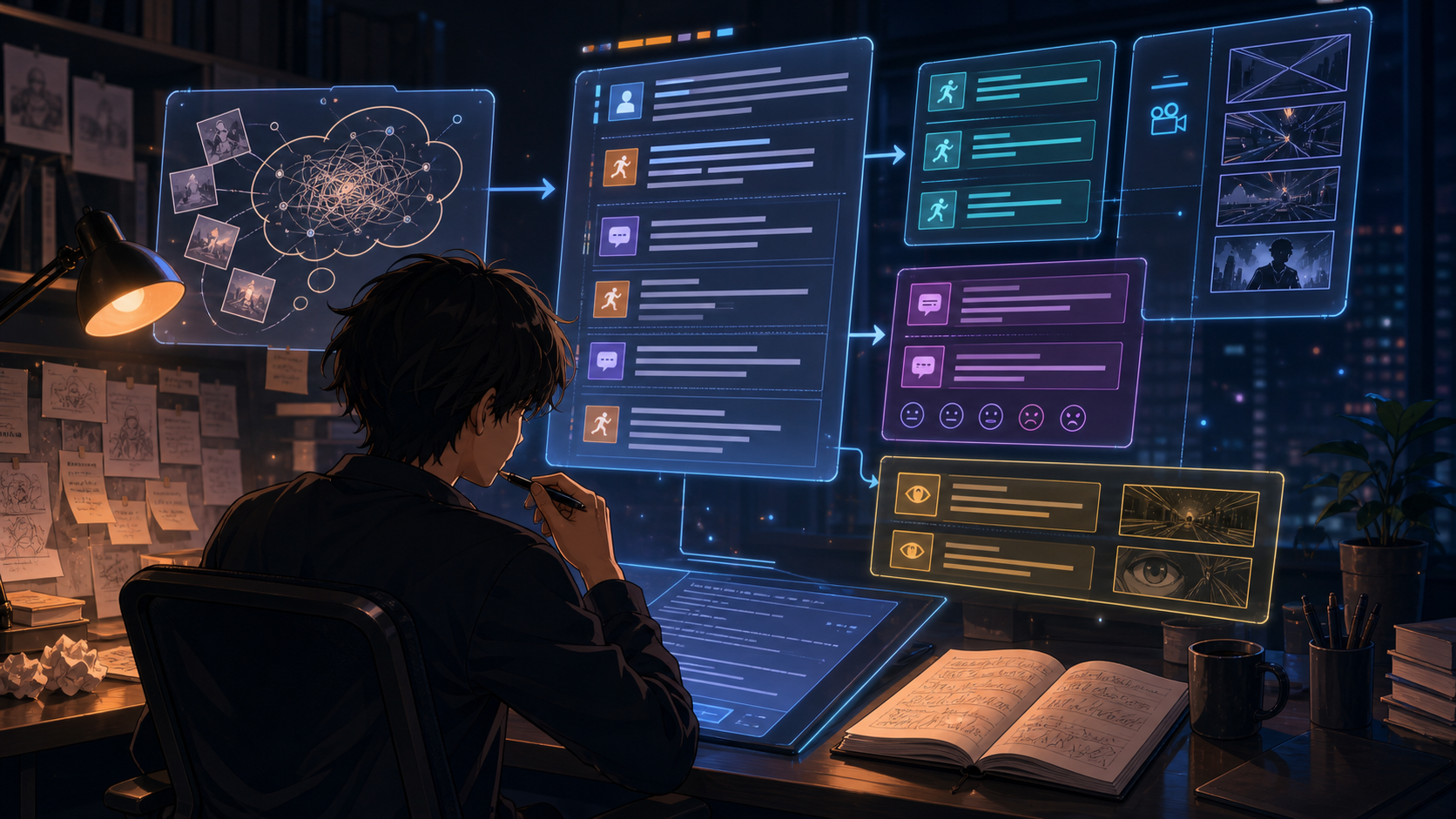 Figure 1: A script generator turns a loose story premise into organized scene blocks with dialogue beats, action cues, emotion markers, and camera direction.
What Is an AI Anime Script Generator?
An AI Anime Script Generator is a specialized writing model trained to convert story premises into episodic screenplays. Unlike generic text writers that generate blocks of descriptive paragraphs, a script generator formats text into distinct, actionable scenes. Each scene includes character cues, spoken dialogue, emotional expressions, and physical movements that animators and voice actors can easily interpret.
Key capabilities of the generator include:
- Dialogue Optimization: Writing natural-sounding dialogue that fits each character's personality and goals.
- Action Cue Formatting: Detailing movements, setting changes, and visual effects (e.g., "sparks fly as swords clash").
- Emotional Beats: Specifying facial expressions and vocal inflections to guide the visual rendering phase.
- Integrated Camera Cues: Linking action blocks directly to camera movements (like panning, zooming, or extreme close-ups) to streamline storyboard creation.
By using an automated scriptwriter, creators can generate formatted screenplays that plug directly into visual engines like the AI Anime Storyboard Generator.
What Should an Anime Script Include?
A production-ready anime script must contain specific markers to ensure the visual rendering engine knows exactly what to draw. Every scene block should include:
- Scene Header: The location and time of day (e.g.,
SCENE 1: RUINED PLAZA - DAY). - Action Prompts: Descriptions of the characters' physical actions and environmental conditions (e.g.,
Astra scavenges iron slag while dust storms swirl). - Character Name & Emotion: The name of the speaker paired with their current emotional state (e.g.,
Ren (anxious)). - Spoken Dialogue: The actual spoken text.
- Camera Direction: Formatting that guides the viewer's focus (e.g.,
Close-Up on Ren's wrist).
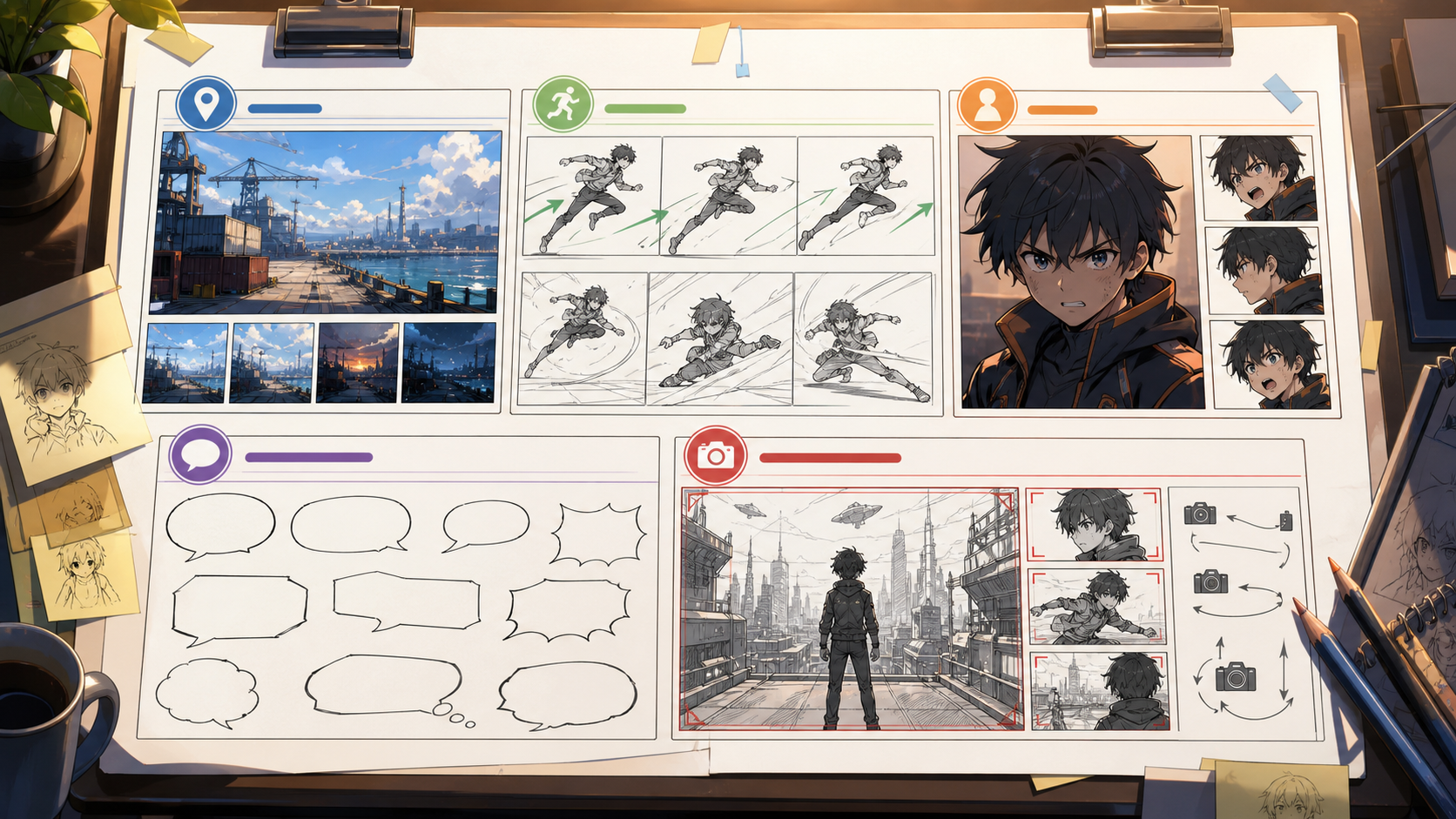 Figure 2: Production-ready scripts separate location, action, character emotion, dialogue, and camera framing so each scene is easier to visualize.
Short Anime Script Structure
For short-form video formats (like 9:16 videos on TikTok or YouTube Shorts), every second of screen time must count. We recommend structuring your scripts using a three-act episodic formula:
- Act I: The Hook (Scenes 1-2): Open with immediate, high-stakes action. Introduce the main conflict and protagonist's dilemma within the first 15 seconds.
- Act II: The Confrontation (Scenes 3-4): Escalate the stakes. The protagonist faces a choice, enters combat, or uncovers a critical clue.
- Act III: The Cliffhanger (Scene 5): End on an unresolved question or a shocking twist, prompting the viewer to wait for the next chapter.
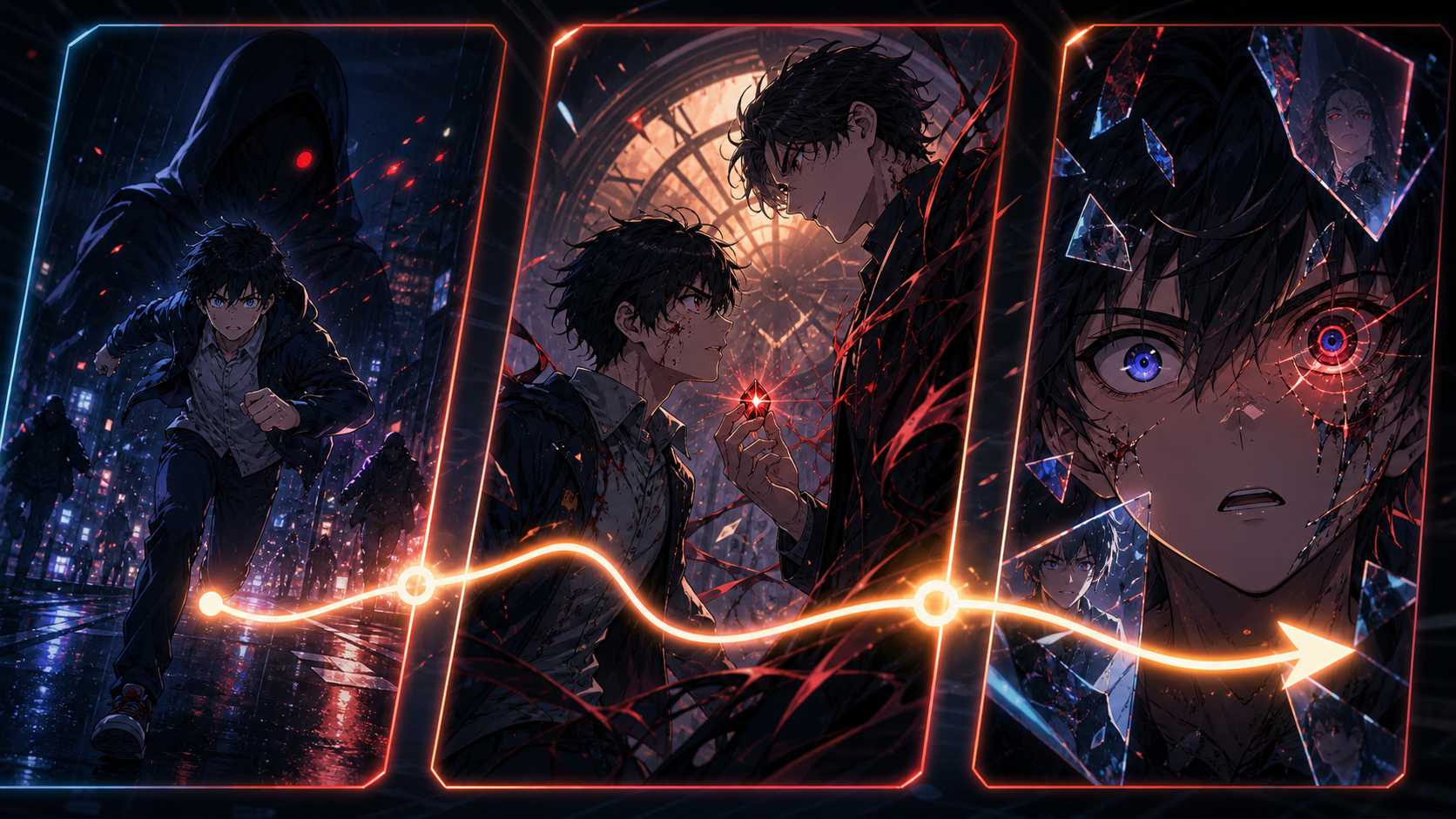 Figure 3: Short anime scripts work best when the hook, confrontation, and cliffhanger escalate visually within a compact timeline.
Anime Script Example
To see how these elements come together, here is a complete short drama script generated for a fantasy action scene.
- Script Title: Elysian Chronicles: The Awakening
- Cast:
- Rena: A determined young warrior in silver-plated armor holding a glowing crystal shard.
- Kael: A solemn swordsman, Rena's mentor, holding a worn iron claymore.
SCENE 1: THE RUINED PLAZA - DAY
[Action: Rena stands in the center of a crumbled plaza. Smoke rises from surrounding pillars. She grips the hilt of her sword. Her knuckles are white.]
[Camera: Medium Shot, tracking Rena as she steps forward.]
Rena (determined):
"I won't let them take everything! The core crystal must be protected!"
SCENE 2: THE APPROACH
[Action: Kael steps out from a curtain of black smoke. He stands beside Rena, drawing his sword with a metallic slide.]
[Camera: Low-Angle Shot looking up at Kael, establishing his protective stance.]
Kael (solemn):
"The odds are against us, Rena. Look toward the hills."
SCENE 3: THE THREAT
[Action: A dark energy wall rises from the horizon. Red lightning flashes across the clouds.]
[Camera: Wide Angle showing the massive crimson storm approaching.]
Rena (anxious):
"It's too late. The barrier is already collapsing."
SCENE 4: THE CLIMAX
[Action: Rena holds the glowing crystal shard high. A beam of white light shoots into the sky, clashing with the red storm.]
[Camera: Close-Up on the crystal shard, light reflecting off Rena's face.]
Rena (shouting):
"I have to try! Even if it consumes my soul!"
SCENE 5: THE CLIFFHANGER
[Action: The crystal begins to crack. Black veins spread from the shard onto Rena's hand. Kael reaches out, his eyes wide in panic.]
[Camera: Extreme Close-Up on Rena's hand as the crystal shatters into black shards.]
Kael (terrified):
"Rena, drop it! It's corrupting you!"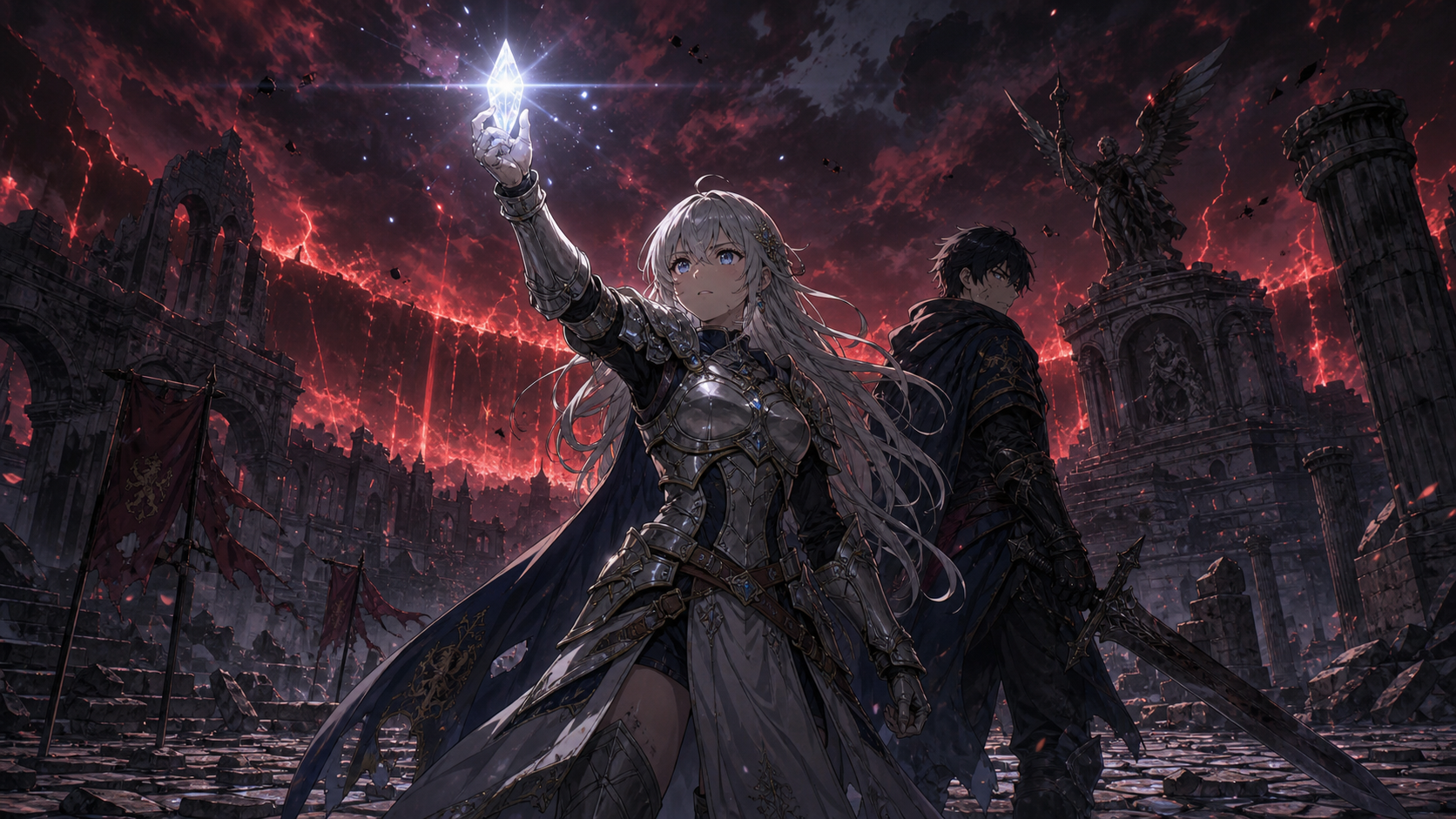 Figure 4: The Elysian Chronicles example combines action prompts, emotional dialogue, character placement, and camera focus into one high-stakes fantasy scene.
How to Generate Scripts with AnimeArc
Creating scripts with AnimeArc is highly intuitive:
- Enter Your Outline: Input your basic story premise. If you need inspiration, draft a plot outline using the AI Anime Story Generator.
- Define Character Voices: Assign character templates to the script generator so the AI writes dialogues consistent with each character's profile created in the AI Anime Character Generator.
- Run the Generator: Click generate to receive a fully formatted script with action lines, dialogues, and camera tags.
- Convert to Storyboards: Export the completed script directly into storyboard sequences to automatically generate visual keyframes.
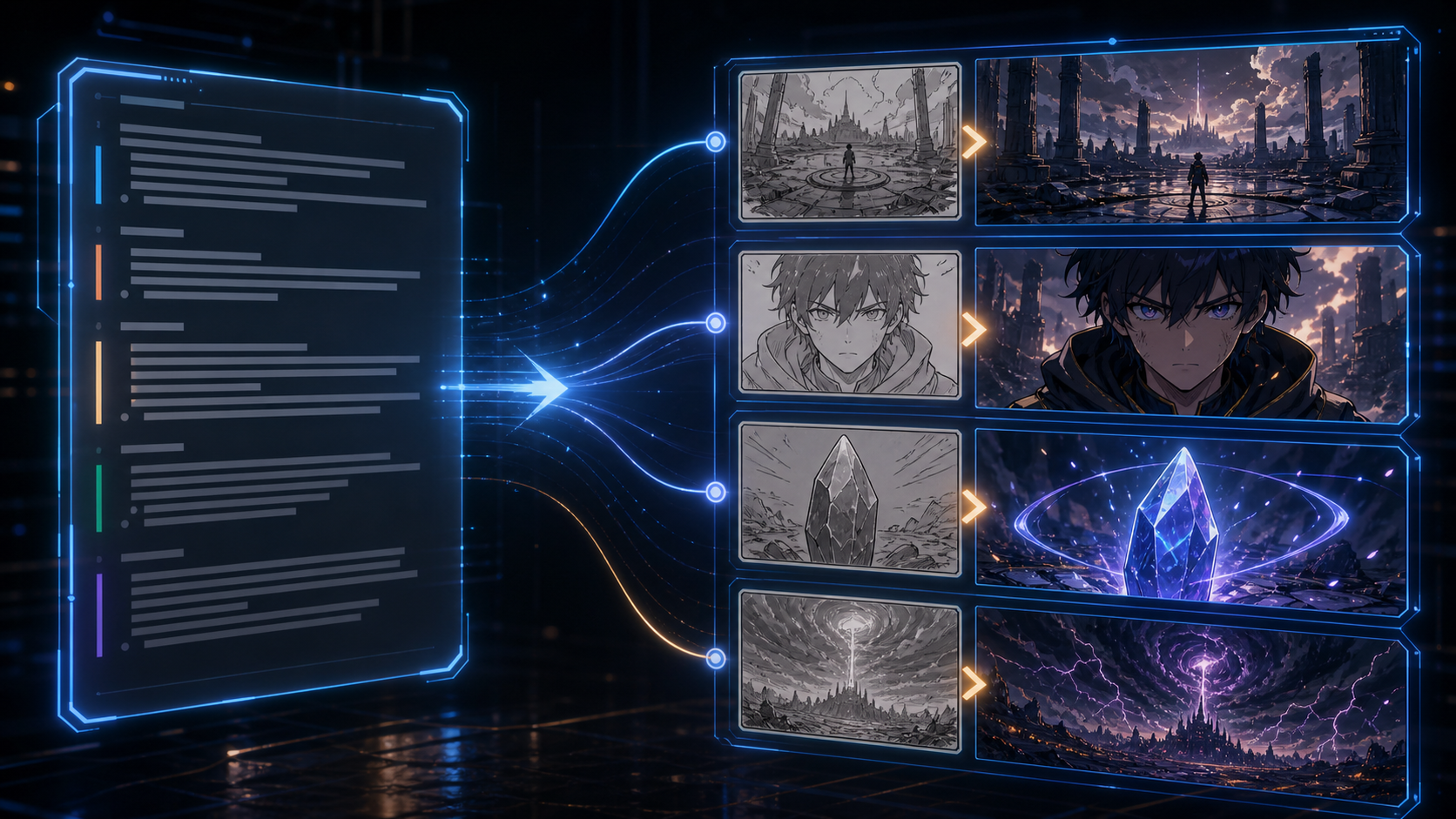 Figure 5: Once a script is structured, each scene block can become a storyboard keyframe with matching camera angles and visual continuity.
FAQ
What is an AI anime script generator?
An AI anime script generator is an AI-powered writer that structures text outlines into formatted screenplays with scene headers, action blocks, character dialogues, and camera directions.
Can I format the script for standard movie screenplays?
Yes, the scripts are formatted following standard screenplay conventions, allowing you to export them as raw text, PDFs, or directly sync them with visual storyboard templates.
How does the generator know what the characters look like?
The script engine works in tandem with the AI Anime Character Generator, which supplies visual tags and character personality sheets to ensure dialogue and actions match.
Can I edit the generated scripts?
Absolutely. You can edit every line of dialogue, change scene settings, adjust character emotional states, and add custom camera actions directly in the AnimeArc editor.
Is the script generator optimized for short-video formats?
Yes, the script templates are built specifically to structure 60-90 second short-form videos with high hook-rates and dramatic cliffhangers.
Want to turn your anime story idea into a short drama workflow?
Submit your story idea with AnimeArc.
Submit My Story Idea