An anime video prompt template helps creators write better prompts for AI anime videos by organizing character, setting, action, camera movement, mood, lighting, anime style, and negative prompts. In this guide, you’ll get a copyable prompt template, a filled example, and a workflow for turning storyboards into motion-ready prompts with AnimeArc.
Video prompts need more than a pretty image description. A still image prompt might describe a character and background. A video prompt must also describe movement, camera behavior, timing, and what should not change.
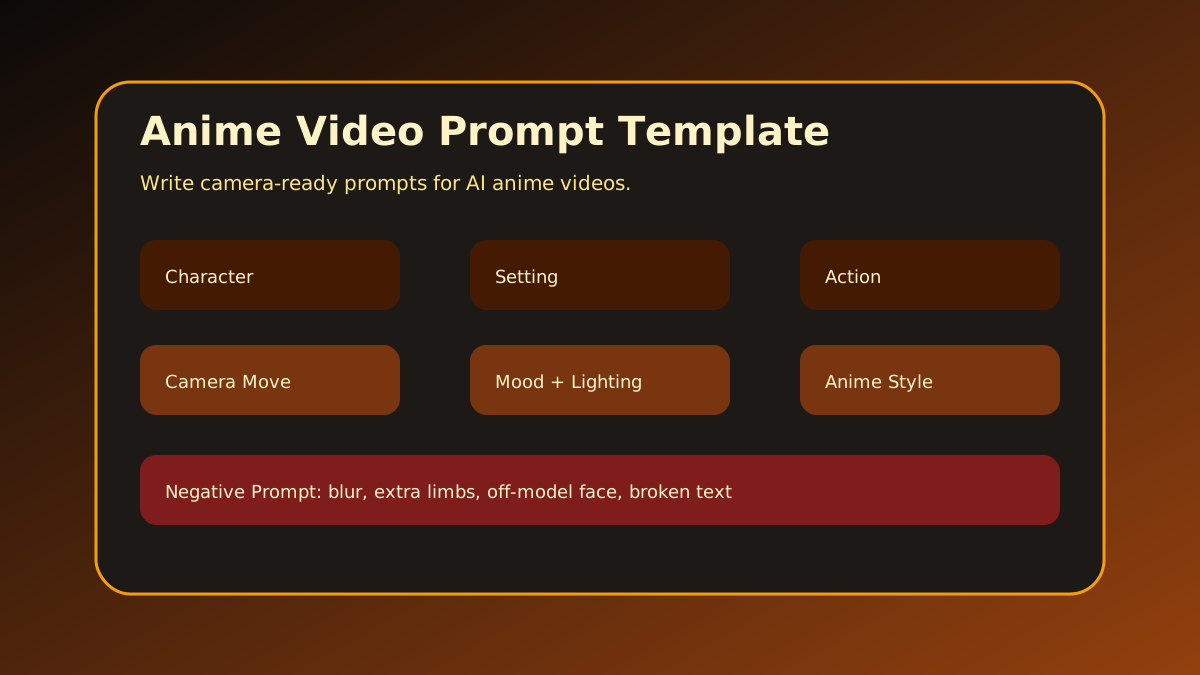 Figure 1: A video prompt template keeps motion, camera, mood, and style organized before rendering.
What Is an Anime Video Prompt?
An anime video prompt is a structured text instruction for generating animated or motion-based anime scenes. It describes what the model should show and how the scene should move.
A useful anime video prompt should answer:
- Who is in the scene?
- Where are they?
- What action happens?
- How does the camera move?
- What mood should the motion create?
- What lighting and anime style should be used?
- What mistakes should the negative prompt avoid?
The key difference is motion. If your prompt only describes “a girl on a rainy platform,” the result may look like a static illustration with slight movement. If you describe “the camera slowly pushes in as she opens a glowing letter and the platform sign flickers behind her,” the model has a clearer motion plan.
Anime video prompts also need continuity. In a multi-shot sequence, the character’s outfit, hairstyle, props, and color palette should remain stable. That is why the template includes continuity notes instead of relying on one long final prompt.
You can create video prompts from scratch, but they work better when they come from a storyboard. If you have not planned the shot yet, start with the Anime Storyboard Template.
Anime Video Prompt Structure
Use this formula:
Character + Setting + Action + Camera Movement + Mood + Lighting + Anime Style + Negative PromptEach part has a job:
- Character: The subject and consistency details.
- Setting: The location and atmosphere.
- Action: What visibly changes during the clip.
- Camera Movement: Dolly-in, pan, tracking, orbit, handheld, static, or zoom.
- Mood: Suspense, wonder, grief, triumph, danger, tenderness.
- Lighting: Backlight, neon glow, soft sunset, moonlight, volumetric beams.
- Anime Style: Clean 2D anime, cinematic anime, watercolor anime, retro cel animation.
- Negative Prompt: Problems to avoid, such as blurry face, extra fingers, distorted eyes, watermark, or unreadable text.
The best prompts are specific but not overloaded. Do not add ten unrelated actions. One clear motion usually works better than a crowded scene.
A useful rule is “one subject, one action, one camera idea.” For example, “Iro opens a glowing letter while the camera slowly pushes in” is focused. “Iro opens a letter, runs, fights a monster, cries, jumps onto a train, and the camera spins around the city” is too much for one short clip.
Lighting and mood should support the action. A confession scene might use soft sunset rim light. A mystery scene might use rain backlight and flickering signs. A battle scene might use harsh sparks and rapid tracking movement. The template keeps these choices deliberate.
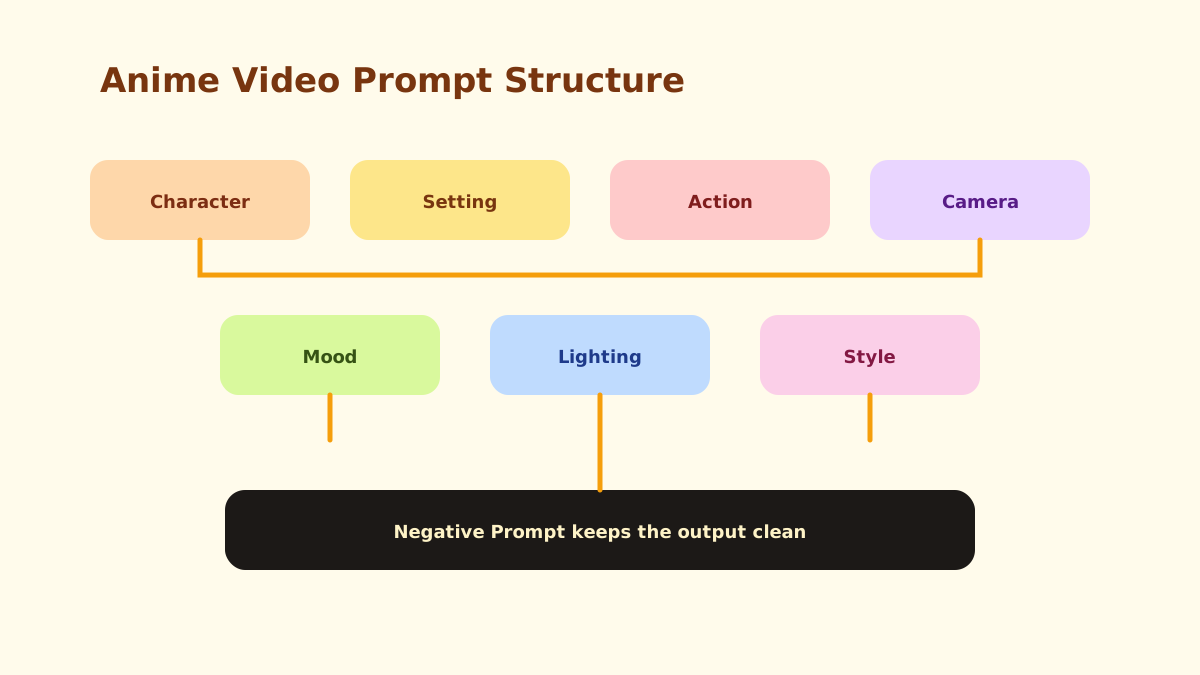 Figure 2: A strong prompt separates subject, movement, camera, atmosphere, and cleanup instructions.
Free Anime Video Prompt Template
Copy this template for each shot:
Character:

Setting:

Action:

Camera Movement:

Mood:

Lighting:

Anime Style:

Duration:

Continuity Notes:

Negative Prompt:

Final Prompt:
Use Continuity Notes for details that must stay stable across shots: hairstyle, outfit, eye color, prop, injury, logo-free clothing, or color palette.
The Negative Prompt field should be practical, not endless. Focus on the most likely problems: distorted hands, blurry faces, random outfit changes, watermarks, unreadable text, or extra limbs. If you add too many unrelated negative terms, you may confuse the generation instead of improving it.
The Duration field is also useful. A 3-second shot should usually have one simple action. A 6-8 second shot can support a slower reveal, such as a character turning around or a camera moving from a sign to a face.
Prompt Example
Here is a filled example:
Character:
Iro, a young courier witch with copper bob hair, pale green eyes, navy postal coat, and a glowing letter satchel.
Setting:
An empty train platform at night during soft rain.
Action:
Iro opens a glowing letter. The light reflects across her face as the train sign flickers behind her.
Camera Movement:
Slow dolly-in from medium shot to close-up.
Mood:
Quiet suspense, emotional discovery.
Lighting:
Cool rain backlight, warm letter glow, soft reflections on wet ground.
Anime Style:
Clean 2D cinematic anime, delicate line art, subtle film grain.
Duration:
5 seconds.
Continuity Notes:
Keep copper bob hair, navy coat, moon pin, and letter satchel consistent.
Negative Prompt:
blurry face, extra fingers, distorted eyes, unreadable text, logo, watermark, random outfit changes
Final Prompt:
young anime courier witch with copper bob hair and navy postal coat opens a glowing letter on an empty rainy train platform at night, warm letter light reflecting across her face, train sign flickering behind her, slow dolly-in from medium shot to close-up, quiet suspense mood, cool rain backlight, clean 2D cinematic anime style, 5 seconds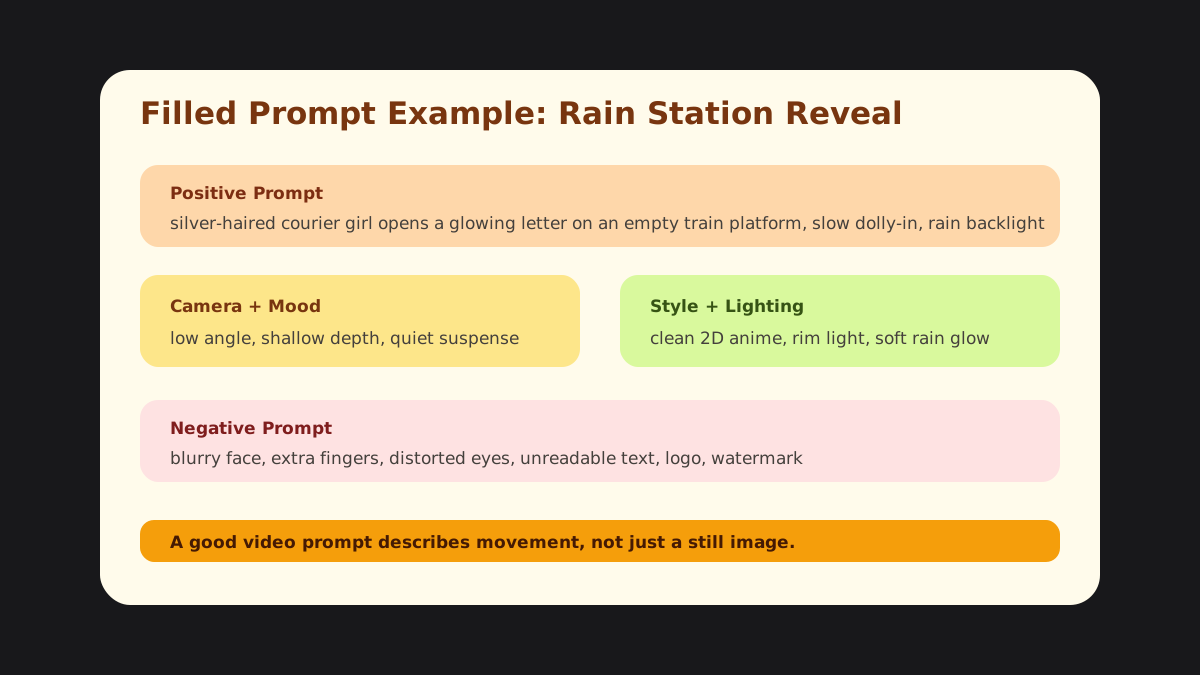 Figure 3: The filled prompt example includes movement, lighting, mood, style, continuity notes, and negative prompt cleanup.
Notice that the final prompt does not include every possible detail from the template. The template helps you think; the final prompt should still be readable. It includes the character, setting, action, camera movement, mood, lighting, style, and duration in one clean sentence.
If you are making a sequence, write one prompt per storyboard panel. Do not try to generate an entire episode from one giant prompt. Short, controlled prompts make it easier to maintain consistency and fix individual shots.
How to Turn Storyboards into Video Prompts
The easiest way to write strong video prompts is to start from a storyboard panel:
- Take the panel action from your Anime Storyboard Template.
- Add camera movement that supports the emotion.
- Add continuity details from the Anime Character Profile Template.
- Keep one main action per prompt.
- Add lighting and mood that match the scene’s story function.
- Use a negative prompt to reduce common visual errors.
AnimeArc helps connect this process by generating story outlines, scripts, character profiles, storyboards, and prompt-ready scene descriptions. You can begin with the AI Anime Drama Generator, refine the script with the AI Anime Script Generator, then turn panels into motion prompts.
If you want an anime video prompt generator instead of a blank template, AnimeArc can turn each storyboard beat into a structured prompt with character continuity, camera motion, lighting, mood, and platform-ready framing.
Want to transform a storyboard into a video-ready anime scene? Try AnimeArc and create characters, scripts, storyboards, and video prompts from one project.
Before rendering, read the prompt aloud and ask whether you can imagine the movement clearly. If the answer is no, add one camera movement or one visible action. If the prompt feels too crowded, remove secondary actions. The best anime video prompts are cinematic, specific, and easy to visualize.
Common Mistakes to Avoid
The first mistake is writing a prompt like a poster description. Video needs change. Instead of “anime girl on a platform,” write “anime girl opens a glowing letter as the camera slowly pushes in and rain ripples around her boots.”
The second mistake is stacking too many actions into one prompt. Most AI video tools handle short, focused motion better than complex choreography. If you need a character to run, draw a sword, clash with an enemy, and fall, split that into multiple prompts.
The third mistake is forgetting continuity. If the character has a navy coat in one shot and a white jacket in the next, the sequence feels broken. Use continuity notes for outfit, hair, eye color, props, and recurring lighting.
Finally, do not use negative prompts as a dumping ground for every possible problem. Focus on the errors that matter most for the shot: face quality, hands, outfit stability, watermarks, text, or unwanted realism.
Where This Template Fits in Production
Use the video prompt template after you already have a storyboard panel. The storyboard tells you what the shot is. The video prompt tells the generation model how that shot should move.
In a production workflow, this template is the final bridge between planning and rendering. Character details come from the character profile. The action and camera come from the storyboard. Mood and lighting come from the episode’s emotional goal. Negative prompts protect the output from common visual errors.
This also makes editing easier. If one generated clip fails, you can adjust one field instead of rewriting the whole prompt. For example, you might keep the character and setting but change the camera movement from “fast orbit” to “slow dolly-in.” Structured prompts make iteration faster and less random.
For multi-shot anime dramas, write one prompt per panel and keep continuity notes consistent across the whole sequence.
FAQ
What is an anime video prompt template?
An anime video prompt template is a structure for writing AI video prompts. It organizes character, setting, action, camera movement, mood, lighting, style, continuity notes, and negative prompt.
How is a video prompt different from an image prompt?
A video prompt needs motion and camera direction. It should describe what changes during the clip, not just what appears in a single frame.
What should I put in a negative prompt?
Use negative prompts for common problems such as blurry faces, extra fingers, distorted eyes, random outfit changes, unreadable text, logos, and watermarks.
Can I use this template with different AI video tools?
Yes. The structure is tool-agnostic. You can adapt it for different AI video workflows as long as you keep the scene clear and avoid overloading the prompt.
Can AnimeArc create video prompts from storyboards?
Yes. AnimeArc can help turn storyboards and scene descriptions into prompt-ready text for anime video generation.
Use this template to clean up each scene, then build your full anime drama workflow with AnimeArc.
Want to turn your anime story idea into a short drama workflow?
Submit your story idea with AnimeArc.
Submit My Story Idea